01
Find Relevant Notes
Choose the documents and client records the system may use. It brings relevant notes together to help prepare a reply or proposal. You check the details before relying on them or sharing them.
 KOVA OS
A client calls back. You need the last conversation, the open question, and what you promised to do. We build a support system around the notes and tools you approve, so it can help you prepare without handing over control of what happens next.
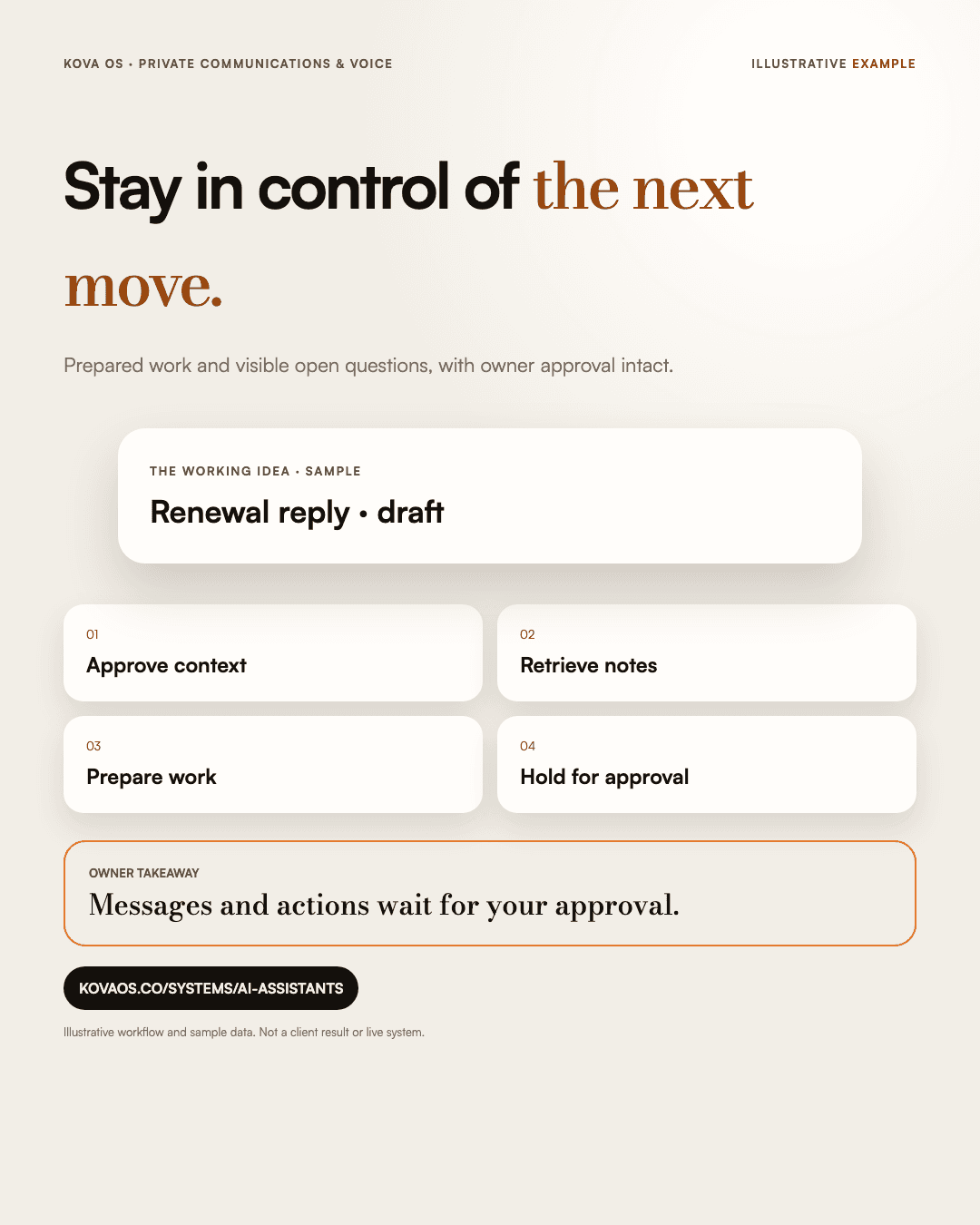
Choose the documents and client records the system may use. It brings relevant notes together to help prepare a reply or proposal. You check the details before relying on them or sharing them.
Use a voice line to capture a note, prepare for a meeting, or ask for relevant context. We agree the supported channels and access rules as part of the build.
Draft replies, proposals, and follow-ups are prepared for review. Sending a message or making another consequential change requires an approval step. We test those boundaries before enabling the connection.
The handoff identifies your source files, accounts, access controls, and operating notes. We document which providers handle information and their applicable terms before connecting your records.
Decide what the system should help with, what information it may use, and which actions need your approval. Get a written scope before committing to the build.
Start a Build Plan ($1,500)