01
Start With the Main Task
We identify the task people need to finish and build that journey first. You get an agreed scope, including what is ready to build and what can wait.
 KOVA OS
Files in one email. Comments in another. A spreadsheet nobody is sure is current. We build apps around work like this, so people can find what they need, record a decision, and see what happens next. We agree the scope and timing before building.
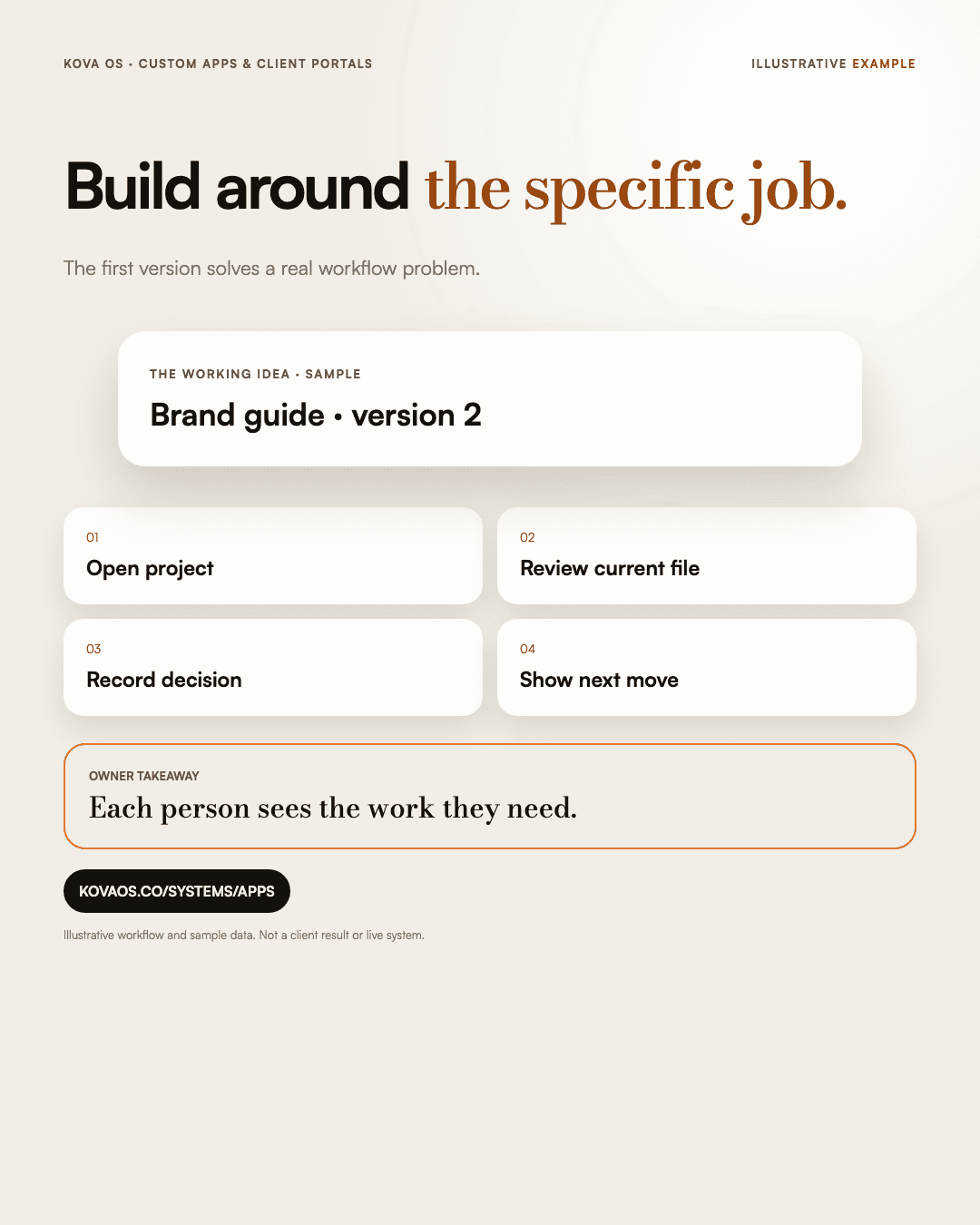
We identify the task people need to finish and build that journey first. You get an agreed scope, including what is ready to build and what can wait.
Give your clients a place to track project progress, upload assets, review deliverables, and approve milestones without chaotic email threads.
Build a tool around the steps your field staff, drivers, or technicians follow, with an interface they can use on mobile and desktop.
We define who can view, change, and approve each kind of record, then test those boundaries. The plan includes how access is managed as people join or leave.
For example, a client opens a project, reviews the current file, and leaves a note or approves it. The team can see which version was reviewed and what needs doing next. This illustrates a possible workflow; the Build Plan defines what your app will include.
Get a written plan for the first version: what people can do, what information it needs, and how you will know the work is complete.
Start a Build Plan ($1,500)